
Use the free WordPress Theme Detector by TagBuilder.io to instantly find which theme a website is using. Discover the theme name, framework, and developer details within seconds.
🕵️♂️ Advanced WordPress Theme Detector
Related Tools


🔍 Find Out Which WordPress Theme a Website Is Using – Instantly!
Have you ever come across a beautiful website and wondered, “Which WordPress theme is this?”
With TagBuilder.io’s WordPress Theme Detector, you can easily find out the exact theme name and framework behind any WordPress-powered website — in just one click!
Our free online tool helps bloggers, developers, and designers identify the active theme used by any website, so you can get inspired, replicate the design, or explore new theme ideas.
⚡ How the WordPress Theme Detector Works
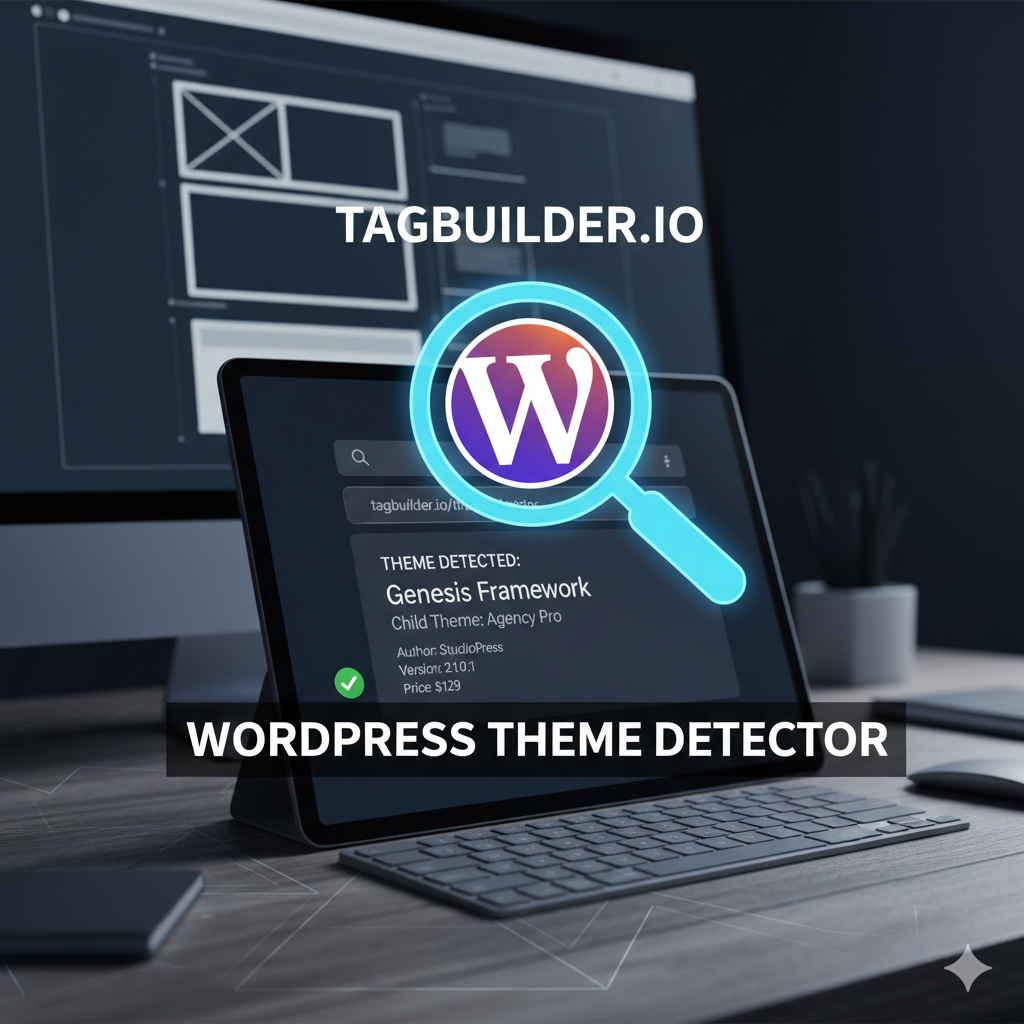
The tool scans the entered website URL and checks its code to identify the theme name, framework, and WordPress status.
If the site is built with WordPress, you’ll instantly see a message like:
“Active Theme: WordPress Astra”
If the site isn’t using WordPress, you’ll get a clear message that the theme could not be detected.
It’s fast, reliable, and 100% free — no registration required!
💎 Why Use TagBuilder.io’s WordPress Theme Detector?
Here’s what makes our tool stand out:
- ✅ Detects WordPress theme name instantly
- 🧩 Identifies theme framework or builder used
- 🌍 Works for any WordPress website globally
- ⚙️ Completely free and browser-based
- 💡 Perfect for design inspiration and competitor analysis
Whether you’re building your next blog or redesigning a client’s website, knowing which theme others use can save you hours of research.
💻 Steps to Use WordPress Theme Detector Tool
- Go to 👉 TagBuilder.io WordPress Theme Detector
- Enter the website URL (example: example.com)
- Click on “Check Theme”
- View the results — theme name, framework, and WordPress detection info appear in seconds.
🔗 Related Tools on TagBuilder.io
TagBuilder.io is your all-in-one toolkit for creators, marketers, and web developers.
❓ Frequently Asked Questions (FAQs)
1. What is a WordPress Theme Detector?
A WordPress Theme Detector is a free tool that identifies which WordPress theme a website is currently using. It analyzes the site’s source code to detect the active theme name and framework.
2. Can I use this tool for any website?
Yes! You can enter any website URL, and the tool will tell you if it’s built on WordPress and what theme it uses.
3. Does it also show the page builder or plugins used?
Currently, it focuses on theme detection, but upcoming updates may include plugin and builder detection features.
4. Is this tool free to use?
Yes! TagBuilder.io’s WordPress Theme Detector is completely free, with no signup or API key needed.
5. What if the website uses a custom theme?
If a site uses a custom or heavily modified theme, the detector will mention it as a custom WordPress theme.
🧩 Conclusion
The WordPress Theme Detector by TagBuilder.io is the perfect free tool for anyone curious about what powers a WordPress site’s design.
Whether you’re exploring competitor websites or looking for design inspiration, this tool delivers instant and accurate theme information with one click.
👉 Try it now: WordPress Theme Detector – TagBuilder.io